Is BlockAway Safe? Privacy, Security, Speed, and Use Cases Explained helps readers match BlockAway-related search intent to the right safety, troubleshooting, comparison, or proxy-infrastructure decision.
BlockAway can be safe enough for casual public-page access, but it is not safe enough for sensitive logins, financial accounts, healthcare portals, work systems, or private data handling.
Quick safety verdict
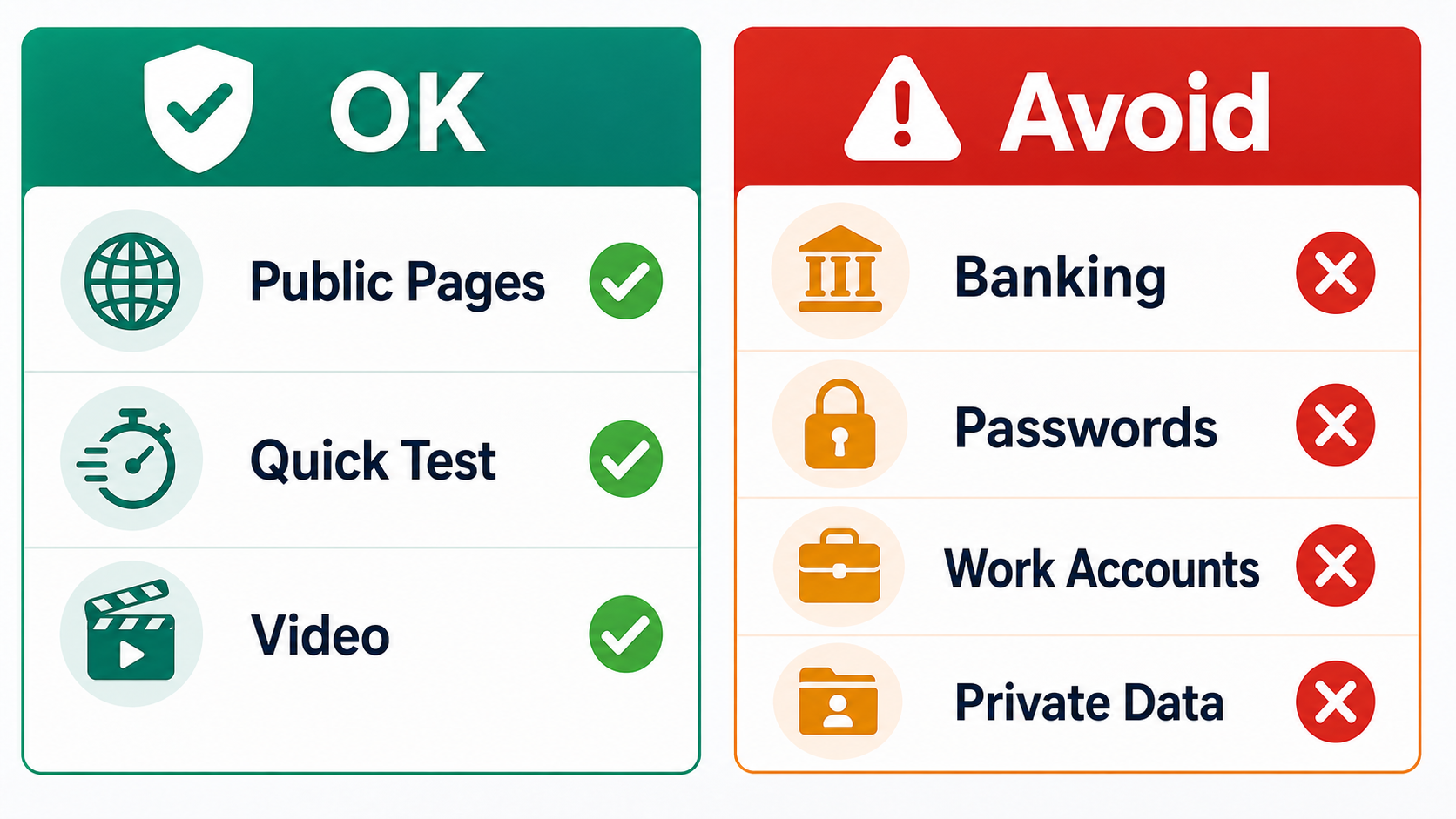
Use BlockAway only when the risk is low. Avoid passwords, banking, corporate tools, payment pages, and personal documents. A web proxy changes the route; it does not remove trust, logging, cookies, fingerprints, or account-risk signals.
What HTTPS does and does not protect
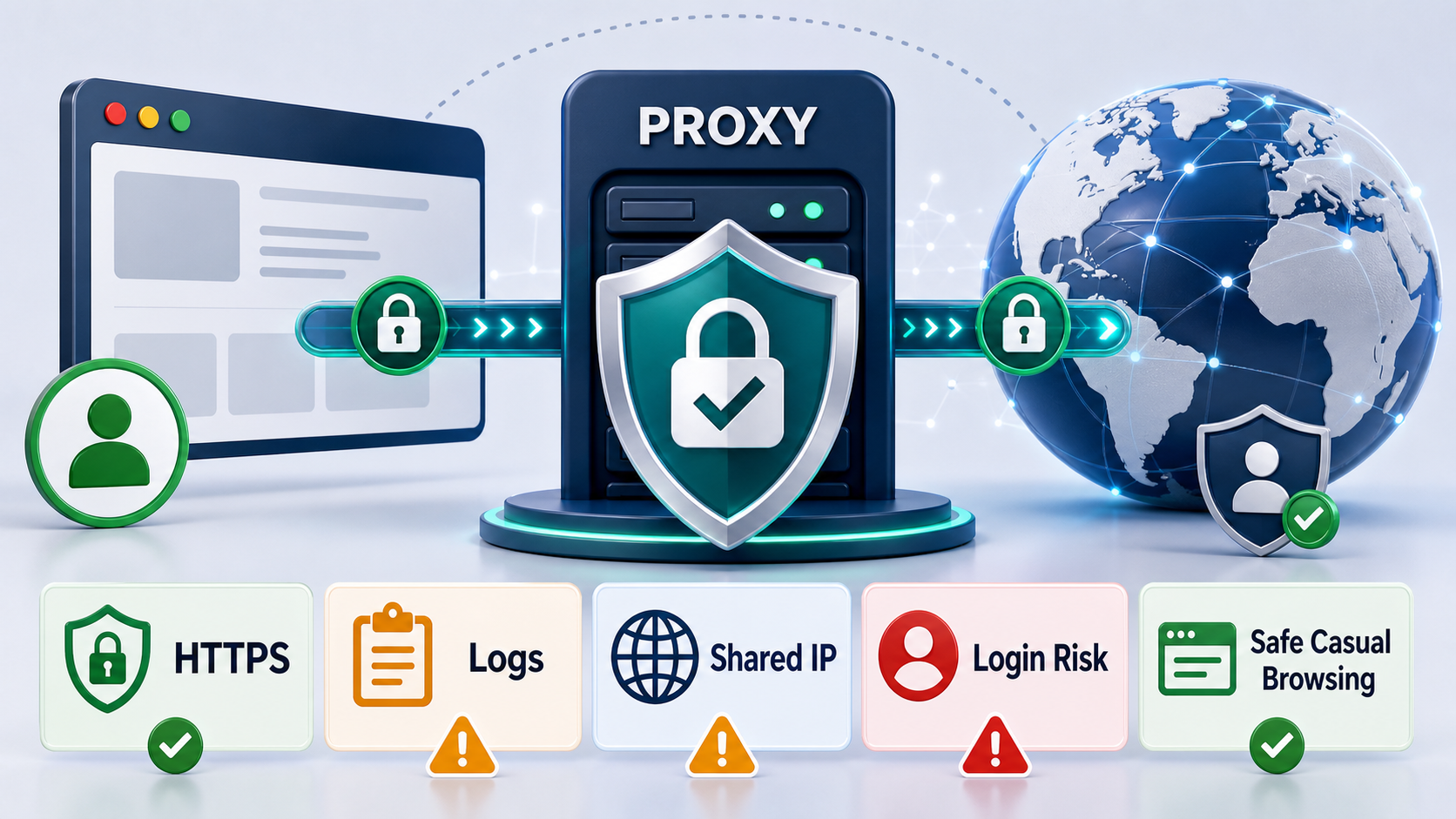
HTTPS is important, but it does not make every proxy trustworthy. The FTC public Wi-Fi safety guidance explains how encryption helps on public networks; the proxy still becomes part of the route you choose to trust.
What a free proxy might log
Free proxy infrastructure may record original IPs, destination URLs, timestamps, browser details, errors, and ad interactions. Even if content is encrypted to the final destination, metadata and routing patterns can still be sensitive.
Shared IP and account risk
The destination site may see a shared proxy IP used by many strangers. That can trigger CAPTCHAs, login alerts, suspicious-session warnings, or account locks. For account-like workflows, use static residential proxy planning rather than a free shared proxy.
Safer use cases
- Open public pages when the local network blocks too broadly.
- Check whether a public page renders from another route.
- Watch low-risk public video where account identity does not matter.
- Avoid entering private credentials or personal documents.
For broader context, compare this safety checklist with the BlockAway proxy review, the website unblocker comparison, and the Playwright stealth workflow if browser behavior is part of the risk.
When to switch to another tool
Use a VPN for personal privacy, rotating residential proxies for distributed SEO or scraping workflows, and the SOCKS5 and HTTPS proxy setup guide when you need configured proxy behavior outside a single web page. The MDN proxy servers and tunneling guide is a neutral reference for how proxying works at the HTTP layer.
Where LycheeIP fits
LycheeIP is not a replacement for casual web proxies in every low-risk case. It is for teams that need cleaner IP choices, session control, geographic targeting, and workflow reliability. Start with LycheeIP proxy infrastructure, review the residential proxy guide, compare datacenter proxies, and use the AI-powered browser automation hub when browser behavior is part of the workflow.
Related BlockAway guides
Use these supporting guides to move from one broad BlockAway query into the exact intent you need.
- BlockAway proxy review
- BlockAway alternatives
- BlockAway vs CroxyProxy
- BlockAway not working
- Free web proxy vs VPN vs rotating proxy
Explore LycheeIP Proxy Infrastructure
Frequently Asked Questions
Is BlockAway safe?
It can be acceptable for casual public-page access, but not for sensitive logins or private data.
Does HTTPS make BlockAway private?
HTTPS helps, but the proxy is still a trust point in the route.
Can BlockAway see what I visit?
A proxy service may be able to log source IPs, requested URLs, timestamps, and session metadata.
Can I log into social networks with BlockAway?
You can, but shared proxy IPs may trigger suspicious-login checks. It is not recommended for important accounts.
What is safer than BlockAway?
Use a reputable VPN for personal privacy or managed proxy infrastructure for controlled workflows.