What Is a SOCKS5 Proxy and How Does It Work?
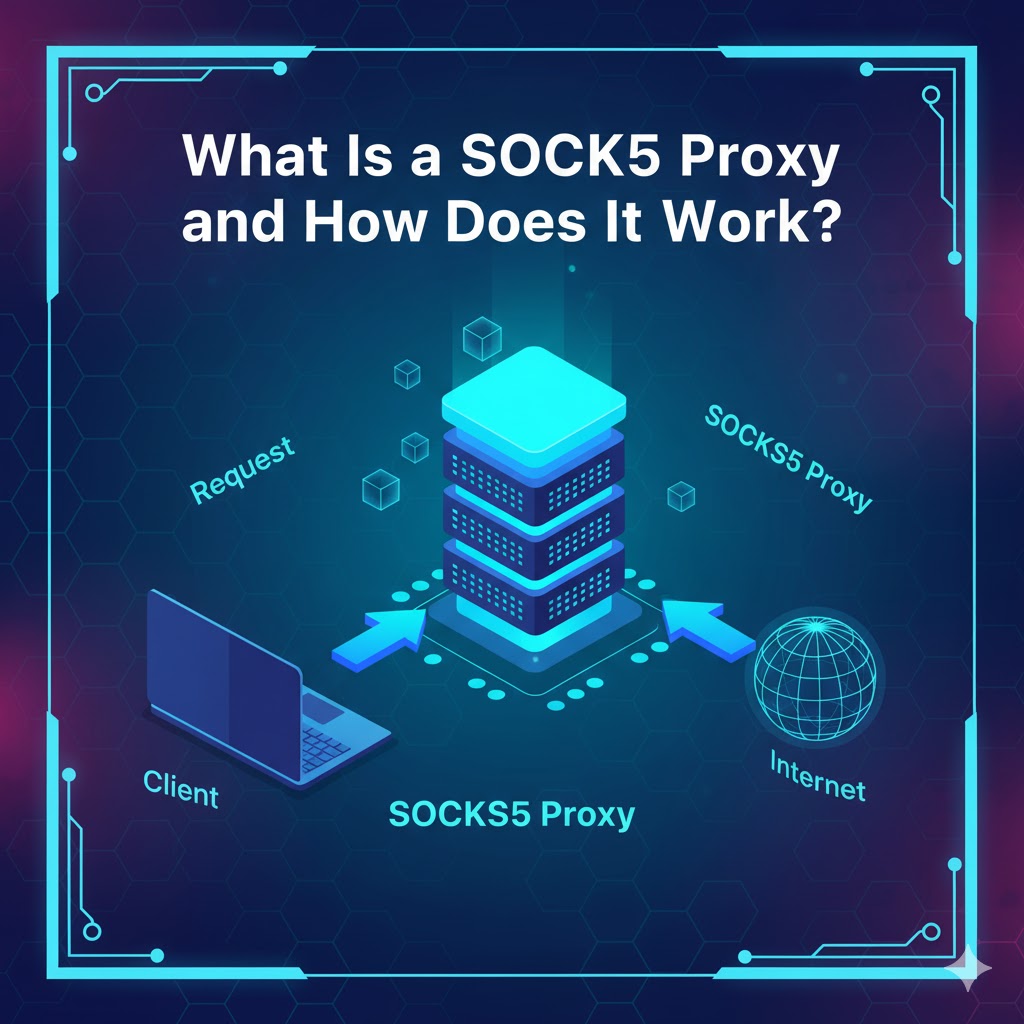
For developers, data engineers, and growth teams, moving data reliably is a core challenge. When you need to route traffic for applications beyond simple web browsing, you will encounter the SOCKS5 proxy. It's a versatile and powerful protocol, but it's often misunderstood.
Unlike an HTTP proxy that only handles web traffic, a SOCKS5 proxy is more flexible, making it a critical tool for everything from data collection to secure application testing. Understanding its capabilities, especially in the context of SOCKS5 vs HTTP proxy limitations, is essential for building a robust data infrastructure. This article explores what a SOCKS5 proxy is, how it functions, and why it's a preferred choice for technical users.
What is a SOCKS5 proxy?
A SOCKS5 proxy is a server that routes network packets between a client and a destination server using the SOCKS5 protocol. It operates at Layer 5 of the OSI model (the Session Layer), which allows it to handle virtually any type of traffic from any protocol, making it far more versatile than application-layer proxies.
How the SOCKS5 protocol functions at Layer 5
Because it works at the Session Layer, a SOCKS5 proxy doesn't need to understand or interpret the data passing through it. It simply establishes a connection and passes the data packets along.
Here is a simplified, real-world experience of the connection:
- Handshake: Your application (the client) connects to the SOCKS5 proxy server and specifies its desired authentication method.
- Authentication: The server confirms the method, and the client sends its credentials (if required). Common methods include "No Authentication" or "Username/Password."
- Relay Request: The client sends a request detailing the target destination's IP address and port (e.g., the website or game server you want to connect to).
- Connection: The SOCKS5 proxy server establishes its own connection to that destination.
- Data Transfer: The proxy then blindly relays all traffic between you and the destination. To the destination server, all traffic appears to originate from the proxy's IP address, not your own.
Key features: TCP, UDP, and authentication methods
The SOCKS5 protocol's power comes from three specific features:
- TCP Support: It fully supports TCP connections, which are the standard for most web traffic, email, and file transfers, ensuring data arrives in the correct order.
- UDP Support: This is a key differentiator. SOCKS5 can also relay UDP packets, which is essential for real-time applications like online gaming, VoIP, and some streaming services where speed is more important than perfect packet order.
- Authentication: The protocol natively supports authentication. This means a provider can secure their proxy servers, requiring a username and password before granting access. This is a critical feature missing from older SOCKS versions.
How does a SOCKS5 proxy differ from other connections?
A SOCKS5 proxy differs significantly from HTTP proxies and VPNs in its scope, protocol support, and encryption. Choosing the right tool depends entirely on your specific goal, whether it's data scraping, general browsing, or total system privacy.
Why compare SOCKS5 vs HTTP proxy?
The SOCKS5 vs HTTP proxy comparison is the most common one for developers. An HTTP proxy is a "smart" proxy; it specifically understands the HTTP and HTTPS protocols. It can read, interpret, and even modify HTTP headers, which is useful for caching web content or filtering specific sites.
A SOCKS5 proxy, by contrast, is a "dumb" proxy. It doesn't understand HTTP. It simply passes packets. This "dumb" nature is its greatest strength. It can handle any protocol: HTTP, HTTPS, FTP, SMTP (email), and P2P (torrents). This makes the SOCKS5 vs HTTP proxy debate simple: use HTTP for web-only tasks and SOCKS5 for everything else.
What about a SOCKS5 VPN?
This is a common point of confusion. A SOCKS5 VPN isn't a single product; users often mean one of two things:
- A VPN service that also provides a separate SOCKS5 proxy endpoint as an added feature.
- Using a VPN to connect to a SOCKS5 proxy.
The key difference is encryption. A SOCKS5 proxy does not encrypt your traffic by default. Your connection from your device to the proxy server is typically unencrypted. A VPN (Virtual Private Network) creates an encrypted tunnel for all traffic leaving your device. Your ISP cannot see what you are doing, only that you are connected to a VPN.
Start building with LycheeIP's reliable proxies
Comparison Table: SOCKS5 vs. HTTP Proxy vs. VPN
This table breaks down the primary differences for a quick, practical comparison.
| Feature | SOCKS5 Proxy | HTTP Proxy | VPN (Virtual Private Network) |
| Primary Use | Versatile, protocol-agnostic traffic routing | Web browsing, web scraping, caching | Full system privacy and security |
| OSI Layer | Layer 5 (Session) | Layer 7 (Application) | Layer 3 (Network) |
| Protocol Support | TCP & UDP (Any protocol) | HTTP, HTTPS, FTP (Often) | TCP & UDP (All IP traffic) |
| Encryption | None by default. Authentication only. | None by default. (HTTPS is encrypted end-to-end, but not to the proxy) | Full tunnel encryption (e.g., AES-256) |
| Data Visibility | Can see destination IP; data is readable | Can read/modify HTTP headers | Cannot see destination or data (only VPN server IP) |
| Common Scenario | Data collection, P2P, gaming, application testing | Caching, content filtering, simple web scraping | Secure browsing on public Wi-Fi, bypassing censorship |
Why do developers and data teams use a SOCKS5 proxy?
Developers and data teams use a SOCKS5 proxy for its flexibility in handling diverse data collection and application testing workflows. Its ability to manage non-web traffic and integrate directly into scripts and software makes it superior to standard HTTP proxies for complex tasks.
Use cases for residential SOCKS5 proxies
For data engineers, the combination of SOCKS5 with a high-quality IP pool, such as residential SOCKS5 proxies, is essential. Residential SOCKS5 proxies route traffic through real user devices (with their consent), making requests appear organic and human.
- Scraping Non-HTTP Data: Teams use SOCKS5 to scrape data from applications, FTP servers, or custom TCP/IP-based APIs that an HTTP proxy cannot handle.
- Ad Verification: Growth teams test ad placements and user flows within mobile applications, routing the app's traffic (which may be non-HTTP) through residential SOCKS5 proxies from specific geographic locations.
- Market Research: Simulating application performance or user experience from different regions by channeling all of an emulator's traffic through a SOCKS5 endpoint.
Integrating with a curl SOCKS5 proxy command
A common real-world experience for developers is using cURL for testing or scripting. SOCKS5 integration is simple. You can use the --socks5 or -x socks5:// flag to route your request.
Here is a practical curl SOCKS5 proxy example for testing a connection:
Bash
# Example using a SOCKS5 proxy with username/password authentication
curl -x "socks5://USERNAME:PASSWORD@proxy.example.com:1080" "https://api.ipify.org"
# Example using a SOCKS5 proxy with an IP whitelist (no auth)
# This is a common method for server-to-server integration
curl --socks5 "proxy-ip.example.com:8080" "https://api.ipify.org"
Running this curl SOCKS5 proxy command will return the IP address of the proxy server, not your own, confirming the connection works.
Using a SOCKS5 proxy extension for browsers
While developers often use proxies in code, growth teams and QA testers may prefer a SOCKS5 proxy extension for their browser. A SOCKS5 proxy extension allows you to configure your browser to route all its traffic through the SOCKS5 proxy without changing your entire system's network settings.
This is useful for:
- Session Isolation: Quickly switching between different proxy IPs in different browser profiles to test multi-account access.
- Geo-Targeting: Using a SOCKS5 proxy extension to check how a website renders or behaves when accessed from a different country.
- Bypassing IP Blocks: A simple SOCKS5 proxy extension can help bypass simple IP-based blocks during manual research.
What are the risks of using a free SOCKS5 proxy?
The main risks of using a free SOCKS5 proxy are poor performance, high security vulnerabilities, and a high probability that the IP address is already blacklisted. While tempting, a free SOCKS5 proxy often costs more in the long run due to data unreliability and security breaches.
The trade-off: Free SOCKS5 proxy vs. cheap SOCKS5 proxy
A free SOCKS5 proxy provider has no incentive to protect you. They are often slow, unreliable, and may be actively logging your traffic or even injecting malware. They are almost always shared by thousands of users, meaning their IPs are banned from most popular websites.
A cheap SOCKS5 proxy from a paid provider is a significant step up. While these may still be shared (datacenter) IPs, you get:
- A Service-Level Agreement (SLA).
- Authentication to protect your access.
- Customer support.
- A much lower "noise" level, meaning the IPs are cleaner.
For any professional use, even a cheap SOCKS5 proxy is vastly superior to any free SOCKS5 proxy service. For serious data collection, however, dedicated or residential SOCKS5 proxies are the standard.
Why data-focused teams avoid free proxies
Data integrity is paramount. If a free SOCKS5 proxy is slow, it will time out and cause your data collection job to fail. If its IP is blacklisted, you will receive captchas or "Access Denied" errors instead of the data you need. Worse, a malicious free proxy could return manipulated or false data, compromising your entire dataset without you even knowing.
Start building with LycheeIP's reliable proxies
How do you choose the right SOCKS5 proxy software or provider?
You can choose the right SOCKS5 proxy software or provider by evaluating its reliability, IP pool quality, performance, and ease of integration. Your choice should align directly with your technical requirements, such as the need for IP rotation or UDP support.
What is a SOCKS5 proxy checker?
A SOCKS5 proxy checker is an essential tool for verifying the health and status of your proxies. Before using a proxy in your application, you should use a SOCKS5 proxy checker to confirm:
- Connectivity: Can you actually connect to the proxy server?
- Anonymity: Is it correctly masking your real IP?
- Location: Is the proxy's IP in the geographic location you expect?
- Speed: What is the latency and throughput?
- Blacklists: Is the IP listed on common anti-spam or anti-bot databases?
Running your proxies through a SOCKS5 proxy checker is a critical step in any data collection pipeline to ensure you are only using clean, functional IPs.
Evaluating provider reliability (The LycheeIP Approach)
When selecting a SOCKS5 proxy provider, transparency and simplicity are key. Many providers offer complex "unlocker" tools, but these often add unnecessary overhead for developers who just need a reliable, high-performing IP endpoint.
At LycheeIP, we focus on the developer-first experience:
- Clean IP Pools: We provide access to high-quality, ethically sourced residential SOCKS5 proxies.
- Simple Integration: You get a clear endpoint (e.g., proxy.lycheeip.io:port) that you can plug directly into your curl SOCKS5 proxy command, Python script, or SOCKS5 proxy software.
- Reliable Uptime: Our infrastructure is built for high-concurrency, mission-critical data collection.
- Transparent Pricing: You pay for the data you use, with no complex packages or hidden fees.
Configuring third-party software (e.g., PIA proxy SOCKS5 setup)
Many users look for SOCKS5 proxy software to integrate with other services they already use, such as VPNs. For example, a common search is for a PIA proxy SOCKS5 (Private Internet Access) setup.
This generally involves taking the SOCKS5 credentials that the VPN provider gives you and manually entering them into a different application, like a P2P client or a browser. This PIA proxy SOCKS5 setup bridges the gap, allowing you to route only that one application's traffic through the proxy while the rest of your system uses your regular internet. This is a manual process, but it highlights the flexibility of using SOCKS5-compatible software.
Conclusion
A SOCKS5 proxy is a fundamental tool for any technical user who needs to route non-web traffic, manage application testing, or build scalable data collection systems. Its ability to handle any protocol at Layer 5 makes it uniquely flexible.
While it does not replace the encryption of a SOCKS5 VPN, its strength lies in performance and versatility. By avoiding unreliable free SOCKS5 proxy lists and opting for a professional provider with clean residential SOCKS5 proxies, developers can build faster, more reliable, and more effective applications.
Start building with LycheeIP's reliable proxies
Frequently Asked Questions
1. Can a SOCKS5 proxy be detected?
Yes, a SOCKS5 proxy can be detected. While it hides your real IP address, sophisticated websites can still identify a proxy's IP if it's from a known datacenter, has a poor reputation, or is used by many others. This is why high-quality residential SOCKS5 proxies are preferred for sensitive tasks.
2. Is a SOCKS5 proxy faster than a SOCKS5 VPN?
Generally, yes. A SOCKS5 proxy is often faster because it does not have the significant processing overhead of encryption and decryption that a VPN requires. It simply relays packets, resulting in lower latency.
3. What's the main risk of a free SOCKS5 proxy?
The main risk is a complete lack of security and trust. A free SOCKS5 proxy provider may monitor, log, or even sell your traffic data, or inject malware. They also offer no performance guarantees and use IPs that are almost always blacklisted.
4. How do I use a SOCKS5 proxy checker?
You use a SOCKS5 proxy checker by providing it with your proxy's IP, port, and credentials. The tool will then attempt to connect through the proxy to a target server and report on its success, speed, and the IP address it presents.
5. Do I need special SOCKS5 proxy software?
Not always. Many applications, like browsers, P2P clients, and command-line tools (e.g., cURL), have native SOCKS5 support. You just need to enter the proxy's details in their network settings. You would only need dedicated SOCKS5 proxy software if you want to route traffic from an application that doesn't support proxies natively.
6. Why use residential SOCKS5 proxies over datacenter ones?
You should use residential SOCKS5 proxies when you need to appear as a genuine, organic user. These proxies use IP addresses from real internet service providers (ISPs). Datacenter proxies come from a commercial server block, which is very easy for websites to identify and block.