IPv4 vs IPv6: Differences, Address Space, and a Safe Path to Adoption
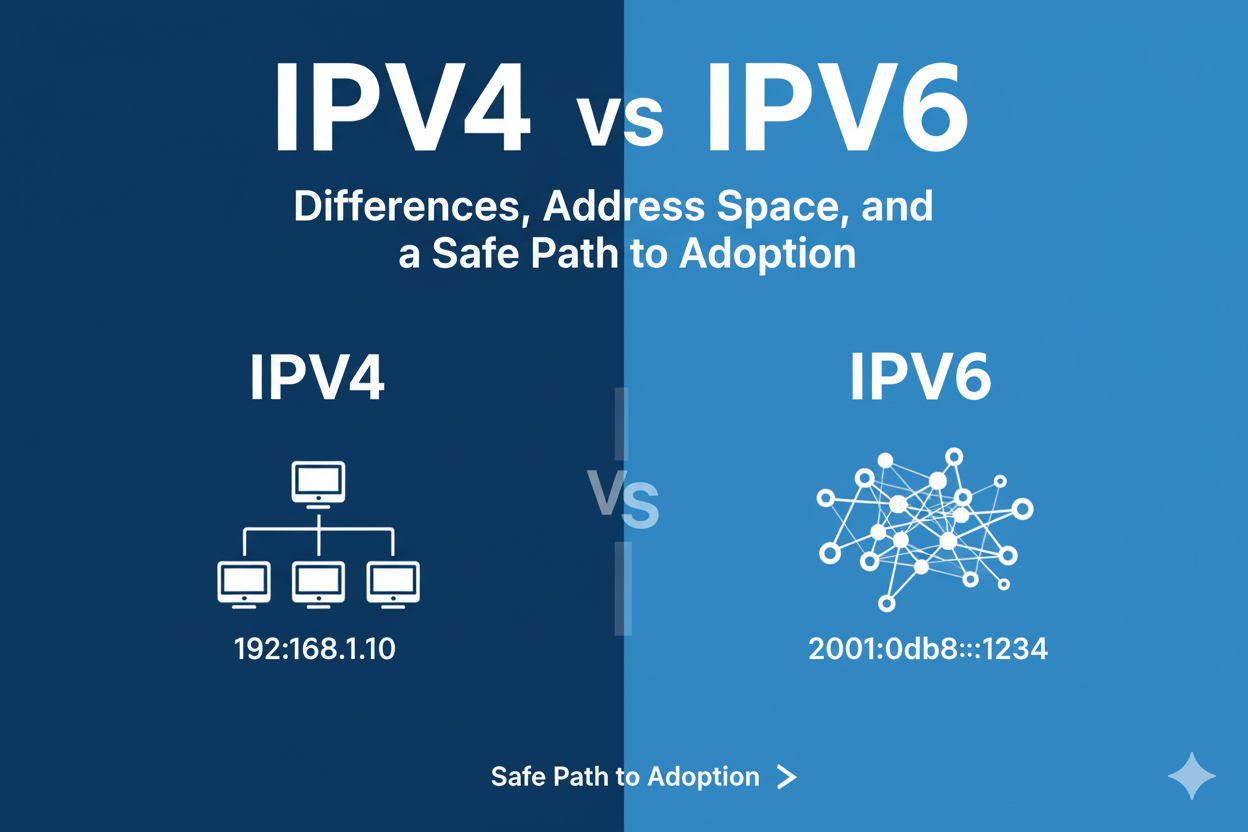
When you compare IPv4 vs IPv6, you are looking at two generations of the fundamental protocol that powers the internet. IPv4, the older standard, has been the workhorse of the internet for decades, but its limitations have become increasingly apparent. IPv6 is its successor, designed to address these shortcomings and provide a foundation for the internet's future growth.
Understanding the difference between IPv4 and IPv6 is essential for anyone working in networking, cloud infrastructure, or data collection. This article provides a practical look at the key distinctions, from address space to performance, and offers a clear path for a safe and staged adoption.
Test LycheeIP's reliable proxy network to power your projects
What is the difference between IPv4 vs IPv6 in simple terms?
The main difference between IPv4 and IPv6 is the size of their addresses; IPv4 uses 32-bit addresses, while IPv6 uses 128-bit addresses. This fundamental change means IPv6 offers a vastly larger pool of unique addresses, along with other technical improvements like a simplified packet header and built-in support for more efficient routing.
Quick definitions and why IPv6 exists
- IPv4 (Internet Protocol version 4): The fourth version of the Internet Protocol, which has been in use since the early days of the internet.
- IPv6 (Internet Protocol version 6): The most recent version, designed to solve the problem of IPv4 address exhaustion.
IPv6 was created because the world was running out of IPv4 addresses. With the explosive growth of internet-connected devices, a much larger address space was needed to ensure the internet could continue to expand.
The core difference between IPv4 and IPv6
The core difference between IPv4 and IPv6 is the solution to address scarcity. IPv4's limited address space led to the widespread use of Network Address Translation (NAT), a workaround that allows multiple devices using a private IP address, to share a single public IP address. IPv6's massive address space makes NAT unnecessary, restoring the original vision of a globally addressable, end-to-end internet. This is a critical point in the IPv4 vs IPv6 comparison.
How big is the IPv4 address space compared to IPv6?
The IPv4 address space is minuscule compared to that of IPv6. IPv4 provides approximately 4.3 billion (2^32) unique addresses. In contrast, IPv6 provides about 340 undecillion (2^128) addresses, a number so large that it is effectively inexhaustible.
2^32 vs 2^128 and real-world implications
This enormous difference between IPv4 and IPv6 in address space has profound real-world implications. With IPv6, every device, from a server in a data center to a smart lightbulb in a home, can have its own unique, public IP address. This simplifies network configuration, improves security, and enables new applications in areas like the Internet of Things (IoT).
A vs AAAA DNS records
The Domain Name System (DNS) is responsible for translating human-readable domain names into IP addresses. To support both protocols, DNS uses two different types of records:
- A records are used for IPv4 addresses.
- AAAA records are used for IPv6 addresses.
A website that is accessible over both protocols will have both A and AAAA records in its DNS configuration.
Test LycheeIP's reliable proxy network to power your projects
Which header and packet changes matter most?
IPv6 simplifies the packet header to make routing more efficient. The IPv6 header is a fixed size and removes several fields that were present in the IPv4 header, moving optional information to "extension headers."
Fixed 40-byte IPv6 header and extension headers
The IPv6 header has a fixed size of 40 bytes, whereas the IPv4 header has a variable size. This fixed size allows routers to process IPv6 packets more quickly and efficiently. Any optional features are handled in extension headers that are placed after the main header, so they do not slow down the core routing process.
Fragmentation at the source and no header checksum
Another important difference between IPv4 and IPv6 is how they handle packet fragmentation. In IPv4, routers in the middle of a path can fragment a packet if it is too large. In IPv6, fragmentation can only be done by the source device. This reduces the processing load on routers. Additionally, IPv6 removes the header checksum, as link-layer technologies and transport-layer protocols already perform sufficient error checking.
How do devices get IPv6 addresses (SLAAC vs DHCPv6)?
Devices get IPv6 addresses through two primary methods: Stateless Address Autoconfiguration (SLAAC) and DHCPv6. A network can use one or both of these methods.
When to prefer SLAAC, when to add DHCPv6
- SLAAC: This is the simplest method. A device can use SLAAC to automatically generate its own IPv6 address based on a network prefix advertised by the local router. It is "stateless" because no central server is keeping track of the addresses.
- DHCPv6: This is the IPv6 equivalent of the DHCP protocol used in IPv4. It provides more centralized control and can be used to assign addresses ("stateful") or just provide other configuration information like DNS servers ("stateless").
Privacy extensions and temporary addresses
To enhance privacy, IPv6 includes a feature called privacy extensions. This allows a device to generate and use temporary, random IPv6 addresses for outgoing connections, making it harder to track a user's activity over time.
Why does IPv6 not rely on NAT like IPv4?
IPv6 does not rely on NAT because its massive address space makes it unnecessary. With enough unique addresses for every device on the planet, there is no need to have multiple devices share a single public IP. This is a significant advantage in the IPv4 vs IPv6 discussion.
End-to-end connectivity and firewalling
By eliminating NAT, IPv6 restores true end-to-end connectivity. This means that any two devices on the internet can communicate directly with each other (subject to firewall rules). Instead of relying on the side effects of NAT for security, IPv6 networks use stateful firewalls at the network edge to control incoming traffic.
NPTv6 and rare translation cases
While standard NAT is not a part of IPv6, a specialized form of translation called NPTv6 (NAT64 Prefix Translation) does exist for specific use cases, but it is not widely used.
Test LycheeIP's reliable proxy network to power your projects
Which transition strategies bridge IPv4 vs IPv6 today?
The most common transition strategy is dual-stack, where a network runs both IPv4 and IPv6 simultaneously. This allows devices and services to use IPv6 whenever possible, while still maintaining full connectivity with the parts of the internet that only support IPv4.
Dual-stack basics
In a dual-stack network, every device has both an IPv4 and an IPv6 address. When a device wants to connect to a website, it will check the DNS records. If an AAAA record is present, it will connect using IPv6. If not, it will fall back to using the A record and IPv4.
NAT64/DNS64 and 6rd overview
Other transition technologies, like NAT64 and DNS64, are used to allow IPv6-only devices to communicate with IPv4-only services. These are more common in environments like mobile networks.
When is IPv6 faster or more efficient?
IPv6 can be faster and more efficient due to its simplified header and the elimination of NAT. However, in the real world, performance depends on many factors, and IPv6 is not always faster.
Routing, Flow Label, and NAT removal
The streamlined IPv6 header and the removal of the need for routers to perform checksum calculations can lead to faster processing. The "Flow Label" field in the IPv6 header can also help routers handle packets that belong to the same flow more efficiently.
Real-world caveats
While the protocol itself has efficiency gains, the actual performance of an IPv6 connection depends on the quality of the network path between you and the destination. In some cases, an IPv4 path might be more direct or less congested, leading to better performance.
How do you change or renew an IPv6 address in the command prompt?
On Windows, you can use the ipconfig command in the command prompt to manage your IPv6 address, particularly if it was assigned by DHCPv6.
ipconfig /release6 and ipconfig /renew6
- ipconfig /release6: This command will release the current IPv6 address for a specific adapter.
- ipconfig /renew6: This command will request a new IPv6 address from the DHCPv6 server.
Why disabling IPv6 is rarely recommended
It is strongly recommended not to disable IPv6 on modern operating systems. Many components of Windows and other OSes rely on IPv6 for internal communication, and disabling it can cause unexpected problems.
Which business factors make IPv6 a smart move now?
The most significant business factor is the scarcity and rising cost of IPv4 addresses. As the pool of available IPv4 addresses has been depleted, acquiring new ones has become a significant expense for businesses.
IPv4 scarcity, cloud pricing, and mobile/IoT scale
Cloud providers like AWS have started charging for all public IPv4 addresses, creating a direct financial incentive for businesses to adopt IPv6. Additionally, the massive scale required for mobile networks and the Internet of Things (IoT) is only feasible with the vast address space of IPv6. For businesses that require a large number of IPs for tasks like data collection, understanding proxies becomes crucial. A proxy network provides access to a large pool of IPs, and it's important to understand the trade-offs between datacenter and residential proxies and to confirm that the proxies are safe and ethically sourced.
A staged migration checklist
A safe migration involves a phased approach:
- Inventory: Identify all external-facing services.
- Enable Dual-Stack: Start with your edge network and enable IPv6 alongside IPv4.
- Update DNS: Add AAAA records for your services.
- Internal Rollout: Gradually enable IPv6 on your internal networks.
- Monitor: Closely monitor performance and connectivity.
What should you do next to move from IPv4 to IPv6?
You should start with a small pilot project. Choose a non-critical service, enable dual-stack, and carefully measure the impact. This allows you to gain experience with IPv6 in a controlled environment and build confidence before a broader rollout.
Pilot plan, KPIs, and monitoring
Develop a pilot plan that includes clear success metrics (KPIs) like latency, error rates, and user-reported issues. Implement comprehensive monitoring to track these KPIs for both IPv4 and IPv6 traffic to ensure a smooth transition.
Test LycheeIP's reliable proxy network to power your projects
Frequently Asked Questions:
1. What is the main difference between IPv4 and IPv6 in one sentence?
The main difference between IPv4 and IPv6 is that IPv4 uses a 32-bit address format, while IPv6 uses a 128-bit format, providing a vastly larger address space.
2. Why was IPv6 created?
IPv6 was created to solve the problem of IPv4 address exhaustion. The 4.3 billion addresses provided by IPv4 were not enough to support the continued growth of the internet, especially with the rise of mobile devices and IoT.
3. In the IPv4 vs IPv6 debate, which is better?
IPv6 is technically superior and the long-term future of the internet due to its massive address space and other improvements. However, IPv4 is still the dominant protocol today, so both are necessary for the foreseeable future.
4. Does IPv6 make my internet connection faster?
Not necessarily. While the IPv6 protocol has some efficiency improvements, real-world speed depends more on the quality and routing of your network provider's connection.
5. Do I need to do anything to start using IPv6?
For most home users, no. Modern operating systems and internet service providers have been gradually enabling IPv6 for years, and the transition is largely automatic.
6. Is the entire internet using IPv6 now?
No. While adoption is growing steadily, a large portion of the internet still relies on IPv4. This is why the dual-stack approach, where networks support both IPv4 and IPv6, is the standard for the transition period.