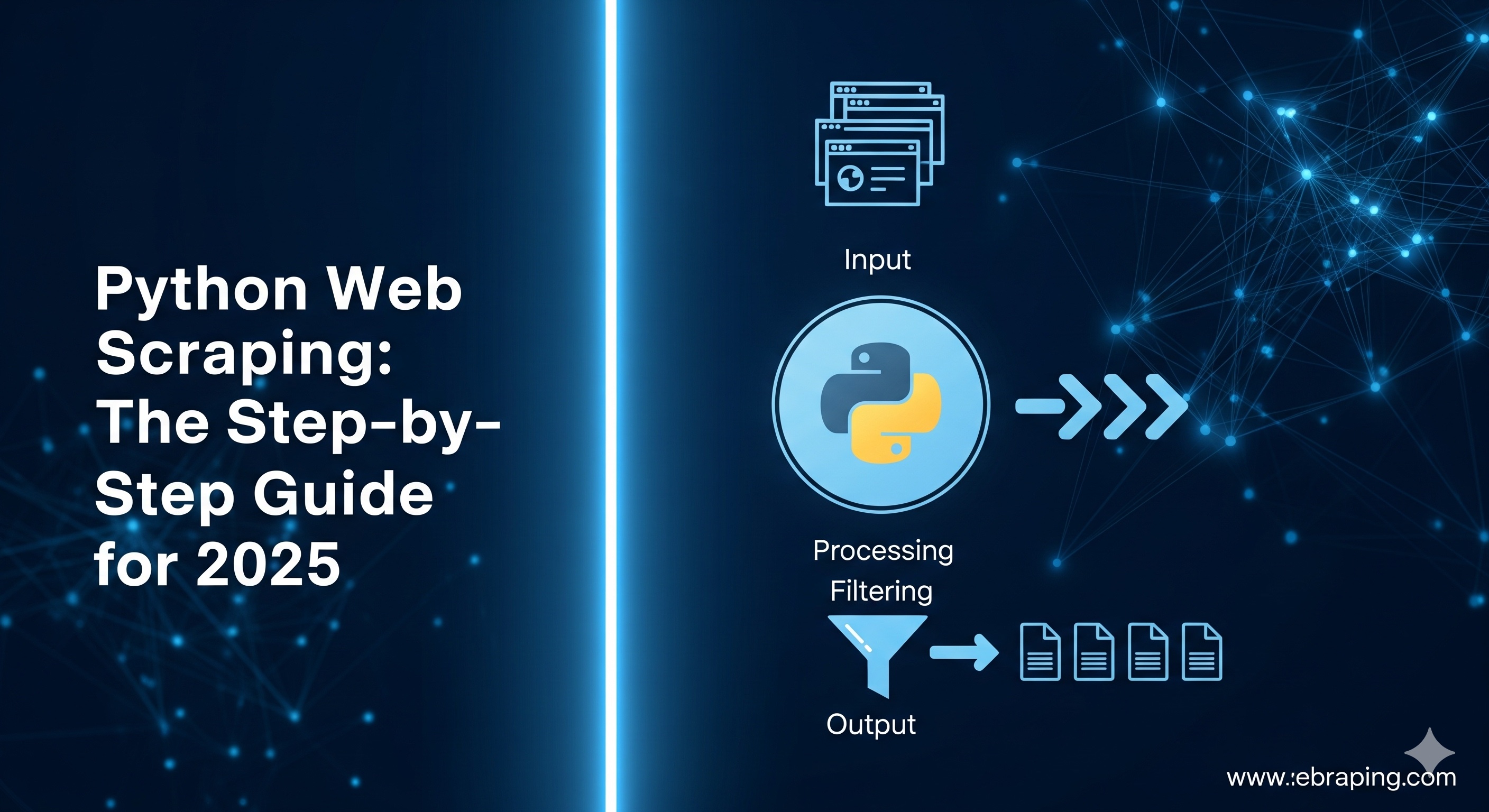
At LycheeIP, we believe that access to public web data is a cornerstone of innovation. In 2025, programmatically collecting this information, a practice known as web scraping is essential for tracking market prices, analyzing news sentiment, monitoring competitor activity, and building powerful AI datasets.
Python remains the undisputed language of choice for this task, thanks to its powerful libraries and massive support community. As experts who live and breathe web data, we've created this step-by-step guide to walk you through building a modern, resilient Python scraper from scratch.
Use LycheeIP's High Performance Network Now
Step 1: Setting Up Your Python Environment
Before writing any code, a clean and isolated development environment is crucial for managing project dependencies.
First, ensure you have Python 3.9+ installed. You can verify this by running python3 --version in your terminal. Next, create a virtual environment to keep your project's libraries separate from your system's Python installation.
Bash
# Create a virtual environment named 'venv'
python3 -m venv venv
# Activate the environment (on Mac/Linux)
source venv/bin/activate
# On Windows, use: venv\Scripts\activate
With your environment active, you can now install the core scraping libraries.
Bash
# Install the HTTP client, parsers, and browser automation tools
pip install requests bs4 selenium playwright pandas
# Install the necessary browser binaries for Playwright
playwright install
Step 2: Scraping Static Pages with Requests & Beautiful Soup
The simplest form of web scraping involves static websites, where the complete HTML content is delivered in a single request. This is the perfect starting point for any developer.
The process is straightforward: the Requests library makes an HTTP GET request to the URL, and the Beautiful Soup library then parses the raw HTML response, turning it into a navigable object that you can easily extract data from.
Python
import requests
from bs4 import BeautifulSoup

url = "https://example.com/articles"
# Make the HTTP request
response = requests.get(url)
# Create a parseable object from the HTML content
soup = BeautifulSoup(response.text, "html.parser")

# Loop through all 'a' tags to find titles and links
for link in soup.find_all("a"):
    title = link.get_text(strip=True)
    href = link.get("href")
    print(f"Title: {title}, Link: {href}")
This technique is fast, efficient, and reliable for simple, server-rendered websites.
Step 3: Scraping Dynamic Pages with Selenium and Playwright
However, the modern web is increasingly dynamic. Many websites use JavaScript to load content after the initial page load. For these sites, the requests library alone is not enough, as the content you want to scrape isn't in the initial HTML. To solve this, you need to use a browser automation tool that can render JavaScript just like a real browser.
- Using SeleniumSelenium is the long-standing industry standard for browser automation. It launches a real browser (like Firefox or Chrome) and gives your Python script full control to click, type, and navigate the page.Pythonfrom selenium import webdriver from selenium.webdriver.common.by import By driver = webdriver.Firefox() driver.get("https://example.com/products") # Selenium waits for the page to load and JS to render product_titles = driver.find_elements(By.CSS_SELECTOR, ".product-card h2") for title in product_titles: print(title.text) driver.quit()
- Using PlaywrightPlaywright is a modern alternative that offers a robust API, built-in waiting mechanisms, and support for Chromium, Firefox, and WebKit. It is particularly well-suited for scraping complex single-page applications (SPAs).Pythonfrom playwright.sync_api import sync_playwright with sync_playwright() as pw: browser = pw.chromium.launch() page = browser.new_page() page.goto("https://example.com/products") # Wait for the product cards to be rendered by JavaScript page.wait_for_selector(".product-card") # Extract the text content from all matching elements titles = page.locator(".product-card h2").all_text_contents() print(titles) browser.close()
Step 4: Handling CAPTCHAs and Blocks with Proxies
As you scale your scraping efforts, you will inevitably encounter anti-bot measures like CAPTCHAs, rate-limiting, and IP blocks. A high-quality proxy network is the foundation for overcoming these challenges.
Proxies work by routing your requests through a different IP address, masking your scraper's origin. Before choosing an IP type, it's important to understand the protocols. HTTPS proxies are the standard for secure web scraping, as they encrypt your traffic. HTTP proxies are faster but insecure, while SOCKS5 proxies are more versatile and can handle non-web traffic, offering higher anonymity.
For successful scraping, you need IPs that are trusted by websites. Residential and mobile IPs have the highest trust scores because they come from real home or mobile network connections, whereas datacenter IPs are cheaper and faster but more easily flagged.
Here’s how to use a proxy with the requests library:
Python
import requests

# Your proxy credentials
proxies = {
   'http':  'http://username:password@proxy.example.com:8080',
   'https': 'http://username:password@proxy.example.com:8080',
}

# The request is routed through the proxy IP
response = requests.get('https://httpbin.io/ip', proxies=proxies)
print(response.json())
The LycheeIP Advantage:A successful scraping project depends on the quality of your proxies. At LycheeIP, we provide a network of over 30 million ethically sourced IPs across 100+ countries with 99.98% availability. Our mix of dynamic residential, static residential, and datacenter proxies gives you the flexibility to choose the right tool for any target. Furthermore, we enforce a unique six-month cooling-off period before recycling IPs, ensuring you get clean, high-trust addresses that reduce your block rate.
Step 5: Saving Your Data with Pandas
Once you've successfully extracted your data, the final step is to store it in a usable format. Python’s pandas library is the perfect tool for this.
After collecting your data into a list of dictionaries, you can easily convert it into a pandas DataFrame and save it as a CSV file.
Python
import pandas as pd

# Assume 'scraped_data' is a list of dictionaries, e.g., [{'title': 'A', 'price': 10}]
df = pd.DataFrame(scraped_data)
# Save the data to a CSV file, without the index column
df.to_csv('products.csv', index=False, encoding='utf-8')
For larger projects, pandas can also write to more robust storage solutions, such as Excel files or SQL databases.
Use LycheeIP's High Performance Network Now
A Note on Ethical and Responsible Scraping
Scraping responsibly protects you from legal and reputational harm and helps maintain a healthy web ecosystem. Our experts strongly advise following these best practices:
- Respect the Website’s Terms of Service (ToS): Always check the ToS before scraping. Violating a site’s terms can lead to IP bans or legal issues.
- Use Public APIs When Available: If a website offers an official API, always use it instead of scraping. It provides structured data in a legally permissible way.
- Avoid Personal Data: Do not scrape personally identifiable information (PII). Privacy laws like the GDPR and CCPA impose strict penalties.
- Respect robots.txt: This file tells crawlers which paths they are allowed to access. Always adhere to its directives.
- Be a Good Citizen: Scrape during off-peak hours, limit your request rate to avoid overloading the server, and identify your scraper in the User-Agent header.
Conclusion
Python’s rich ecosystem makes web scraping more accessible than ever. You can start with simple static pages using Requests and Beautiful Soup and then graduate to complex, dynamic sites with Selenium or Playwright.
However, to scrape successfully at scale, a high-quality proxy network is non-negotiable. It is the key to avoiding CAPTCHAs, bypassing IP blocks, and gathering data accurately from any location.
Ready to build more resilient scrapers? LycheeIP’s proxy network offers the high-trust residential and datacenter IPs you need, with industry-leading availability and a 50% discount for new customers.
Use LycheeIP's High Performance Network Now
Frequently Asked Questions (FAQ)
1) What stack should a beginner start with?
We recommend starting simple: use Requests + Beautiful Soup for static pages. This will teach you the fundamentals of HTTP requests and HTML parsing. Once you encounter a site that relies on JavaScript, then move on to a browser automation library like Playwright.
2) How do I use a proxy in Python?
For the requests library, you'll create a proxies dictionary with your provider’s credentials and pass it into your request. For Selenium or Playwright, you'll configure the proxy settings when you initialize the browser instance.
3) When do I need to use a headless browser like Playwright?
You need a headless browser when the data you want is not in the initial HTML source but is instead loaded by client-side JavaScript. This is common on single-page applications (SPAs), sites with infinite scroll, and pages with complex user interactions.
4) How can I reduce my chances of getting blocked?
The best way is to mimic human behavior as closely as possible. This means using high-quality rotating residential proxies, setting realistic User-Agent headers, respecting robots.txt, and adding delays between your requests to avoid overwhelming the server.
5) Should I save my data to a CSV file or a database?
For small, quick projects, a CSV file is perfectly adequate and easy to work with. For larger, ongoing projects where you need to query, update, and manage structured data, a database (like SQLite or PostgreSQL) is a much more robust and scalable solution.